On this page
You land at KLIA2 after a long flight, the humid air hits you outside, and you need a Grab driver now. Your phone has no data, the airport WiFi keeps dropping, and your hotel check-in details are buried in an email you cannot open. Many visitors get stuck at exactly this point in 2026, because the SIM and eSIM options have multiplied and some travellers pick the wrong one. This guide covers which network to choose, how to register, what to pay, and where signal gets weak.
Which Network Suits Your Trip
Malaysia has three main mobile operators for tourists: Maxis (with Hotlink as its prepaid brand), CelcomDigi (the merged Celcom and Digi), and U Mobile. All three sell prepaid tourist plans and all require passport registration. The prices below are approximate 2026 figures, so confirm the exact price at the counter.
Hotlink (Maxis)
Hotlink is known for wide coverage, especially in rural areas. Its two tourist plans are:
- Hotlink Tourist SIM 7-Day: approximately MYR 25-30, with 20GB of high-speed data valid for 7 days and unlimited local calls to all networks.
- Hotlink Tourist SIM 15-Day: approximately MYR 35-45, with 40GB of high-speed data valid for 15 days and unlimited local calls to all networks.
Both may include unlimited social media data for apps such as Facebook, WhatsApp and WeChat. After the high-speed allowance runs out, speeds may be throttled, or you can buy extra data passes. More information is at hotlink.com.my.
CelcomDigi
CelcomDigi runs as one company now, and its tourist plans are sold under the “CelcomDigi Tourist SIM” name:
- 7-Day: approximately MYR 20-25, with 15GB of high-speed data and unlimited local calls. It often includes free basic internet for messaging apps.
- 14-Day: approximately MYR 30-40, with 30GB of high-speed data and unlimited local calls.
The plans use the combined Celcom and Digi networks. See celcomdigi.com.my for details.
U Mobile
U Mobile is popular with budget travellers, especially in cities. Its Tourist SIM costs approximately MYR 20-30 for 7-10 days. It typically offers 10-20GB of high-speed data and some local call allowances, and it may feature unlimited data for specific apps. The website is umobile.com.my.
If you are staying mostly in Kuala Lumpur, Penang or Melaka, any of the three will do and price should decide it. If you are heading to rural areas or East Malaysia, lean towards Hotlink or CelcomDigi.
Buying and Activating a Physical SIM, Step by Step

The cool air-con of the KLIA arrivals hall and the rows of telco kiosks make this the easiest place to sort your SIM. The process is the same for every operator.
- Find a kiosk. Look for Hotlink/Maxis, CelcomDigi or U Mobile counters at KLIA, KLIA2, Penang International Airport and Kota Kinabalu International Airport. Outside airports, use official stores in shopping malls and town centres.
- Show your physical passport. This is mandatory. Digital copies are generally not accepted.
- Let the vendor register you. They enter your passport details and activate the SIM. At a kiosk this usually takes 5 to 10 minutes. At busy arrival times you may queue first, but the process itself is quick.
- Insert the SIM. It should connect automatically. With Hotlink you will usually get a confirmation SMS.
- Install the app. Use the Hotlink app (Google Play Store and Apple App Store), or the Celcom Life app or MyDigi app for CelcomDigi. The CelcomDigi apps may still carry older branding for a while. Use the app to check data, top up and add passes.
Setting Up an eSIM Before You Fly
An eSIM removes the kiosk stop completely. The catch is the type you can get. Maxis (Hotlink) and CelcomDigi, particularly on the Digi side, have offered eSIM mainly to postpaid users and some specific prepaid plans. A simple, widely available prepaid tourist eSIM directly from the main Malaysian operators was still developing as of 2024. Check the operator websites before you rely on one for your trip.
The reliable option is an international provider. Airalo, Nomad, Holafly and GigSky all sell data-only eSIMs for Malaysia. The process is simple:
- Download the provider’s app, such as the Airalo app.
- Choose a Malaysia data package. A 10GB, 30-day plan costs roughly USD 15-25, which is about MYR 70-120. The exact ringgit price shifts with the exchange rate.
- Pay in the app with a Visa, Mastercard or American Express card.
- Install the eSIM profile on your phone by scanning a QR code or entering the details manually.
- Activate the eSIM when you arrive in Malaysia.

The big advantage is that you land with data already working. The downside is that these plans are mostly data-only, so you get no local Malaysian number for calls or SMS unless the plan says otherwise. Your phone must also support eSIM. Examples include the iPhone XS/XR and newer, Samsung Galaxy S20 and newer, and Google Pixel 3 and newer.
Coverage Across Peninsular Malaysia and Borneo
Peninsular Malaysia
In Kuala Lumpur, Penang, Johor Bahru, Ipoh and Melaka, all three operators give excellent 4G/LTE coverage. The PLUS Highway is generally good and consistent across providers. On KTM routes, including the ETS lines, signal is usually fine in populated areas but can drop in tunnels and remote stretches.
In rural villages and mountain areas, coverage gets patchy. Maxis (Hotlink) is often cited as having slightly better rural coverage thanks to its extensive infrastructure, with CelcomDigi close behind. Check the current coverage maps on the operator websites if you are heading somewhere remote.
Sabah and Sarawak
Kota Kinabalu, Kuching, Miri and Sibu have good 4G/LTE, with 5G expanding. Maxis and CelcomDigi generally reach further than U Mobile in East Malaysia, especially outside the main towns.
Islands and coasts are mixed. Popular spots such as Langkawi, the Perhentian Islands, Tioman Island and Sipadan can have good signal, but smaller, more remote islands may have limited or no coverage, and signal often disappears during boat transfers. In deep rainforest and national parks, including Taman Negara and the higher altitudes of Kinabalu Park, signal is much more limited or absent. For jungle treks, carry offline maps, and consider a satellite phone for serious expeditions.
WiFi in Cafes, Hotels and Malls
Free WiFi is widespread in cities and tourist areas. Starbucks, Coffee Bean & Tea Leaf, local kopitiams and fast-food outlets all offer it. The password is usually printed on your receipt or handed over when you ask. Speeds suit browsing, social media and messaging.
Almost all accommodation, from budget hostels to luxury hotels, provides free WiFi, and most Airbnb rentals and homestays include it. Quality varies but is generally good enough for normal travel needs. Many large shopping malls and the major international and domestic airports also offer free WiFi.

Be careful with public hotspots in some cities. They are often slower, less reliable and potentially less secure than private networks. Do not use them for banking, and do not depend on them alone. WiFi cannot help you when you are on the street waiting for a Grab, so you still need a SIM or eSIM.
2026 Connectivity Budget
These are approximate prices based on the tourist plans above. Confirm at the counter.
- Budget (MYR 20-30): CelcomDigi Tourist SIM 7-Day at approximately MYR 20-25, or the U Mobile Tourist SIM at approximately MYR 20-30 for 7-10 days. This suits city-based trips of about a week.
- Mid-range (MYR 25-40): Hotlink Tourist SIM 7-Day at approximately MYR 25-30 with 20GB, or the CelcomDigi 14-Day plan at approximately MYR 30-40 with 30GB. This works for two weeks of mixed city and countryside travel.
- Comfortable (MYR 35-120): The Hotlink Tourist SIM 15-Day at approximately MYR 35-45 with 40GB gives the most data and the best rural coverage. An international eSIM from Airalo, Nomad, Holafly or GigSky for about MYR 70-120 buys convenience, with 10GB for 30 days as an example.
Top-ups are easy. You can use the telco app with a credit or debit card, buy vouchers at 7-Eleven or MyNews, or pay through online banking. If your stay is longer than your plan, extensions are usually possible through top-ups or plan renewals in the app.
What Has Changed Since 2024
- CelcomDigi is now one brand. Celcom and Digi have been fully integrated and rebranded. Combined network assets could mean better coverage and speeds, and tourist plans are now unified. Older Celcom and Digi tourist SIMs are being phased out.
- 5G has spread. The national 5G network run by Digital Nasional Berhad (DNB) has expanded quickly since 2024. By 2026, 5G is expected to be much more common in cities and some suburbs. Maxis, CelcomDigi and U Mobile all offer 5G access, so a 5G phone will see faster speeds in these areas.
- eSIM is growing. eSIM is still mostly for postpaid users, but the push for adoption is stronger. More direct prepaid tourist eSIMs from local operators may appear, so check the operator websites before you travel.
- More data for similar money. Competition has been pushing allowances up compared to 2024, even though prices move slightly.
- Registration rules are unchanged. Passport registration for prepaid SIMs is still strictly enforced. No new biometric rules have been added beyond those in place by 2024.

Common Mistakes to Avoid
- Putting your passport in checked luggage. Without the physical passport, you cannot register a SIM. Keep it in your hand luggage.
- Bringing a locked phone. A phone tied to a specific carrier will not accept a local SIM. Get it unlocked before you travel.
- Buying a tourist SIM at a convenience store. General prepaid SIMs are sold there, but tourist plans are better bought at official stores or kiosks for correct registration and activation.
- Ignoring plan validity. A 7-day plan will not cover a 10-day trip. Match the plan to your dates, or plan to top up through the app.
- Expecting a local number from an eSIM. Most international eSIMs are data-only. If you need to take local calls, for example from a tour operator, a physical SIM is the safer choice.
- Trusting signal in remote areas. Do not assume coverage on small islands, in national parks or in East Malaysia’s interior. Download offline maps beforehand, such as Google Maps offline areas.
- Relying only on public hotspots. They are less reliable and less secure than private networks.
Also download the Grab app before you arrive. You will need a working SIM or eSIM to use it properly for rides, food delivery and parcels. For train travel, mobile data lets you check schedules and book tickets through ktmb.com.my or the KTM apps. Save the emergency numbers: 999 for police and ambulance, and 994 for fire.
Frequently Asked Questions
Do I need a passport to buy a SIM card in Malaysia?
Yes. Every prepaid SIM in Malaysia must be registered with a valid physical passport. Digital copies are generally not accepted, so keep the original in your hand luggage, not in your checked bag. The vendor registers your details and activates the SIM, which usually takes 5 to 10 minutes at a kiosk.
Is an eSIM or a physical SIM better for tourists in Malaysia?
A physical tourist SIM gives you a local number and usually cheaper data, so it suits most people. An eSIM from Airalo, Nomad, Holafly or GigSky can be bought before you fly and works well on compatible phones, but it is usually data-only, with no local number for calls or SMS.

Which network has the best coverage in Malaysia?
Maxis (Hotlink) is often cited as having slightly better rural coverage, with CelcomDigi close behind. In East Malaysia, Maxis and CelcomDigi generally reach further than U Mobile outside major towns. In big cities all three work well. Check current coverage maps before heading to remote areas.
Can I buy a SIM card at KLIA and KLIA2?
Yes. Look for Hotlink/Maxis and CelcomDigi kiosks in the arrival halls at KLIA and KLIA2, and U Mobile also has airport kiosks. Penang and Kota Kinabalu airports have them too. Bring your physical passport. Expect a short queue at busy times, though activation itself is quick.
Is free WiFi reliable enough in Malaysia?
In cities, usually yes. Most cafes, hotels, hostels, malls and major airports offer free WiFi that handles browsing and messaging well. Public hotspots are slower and less secure. You still need mobile data for Grab, outdoor navigation, and trips to rural areas or islands.
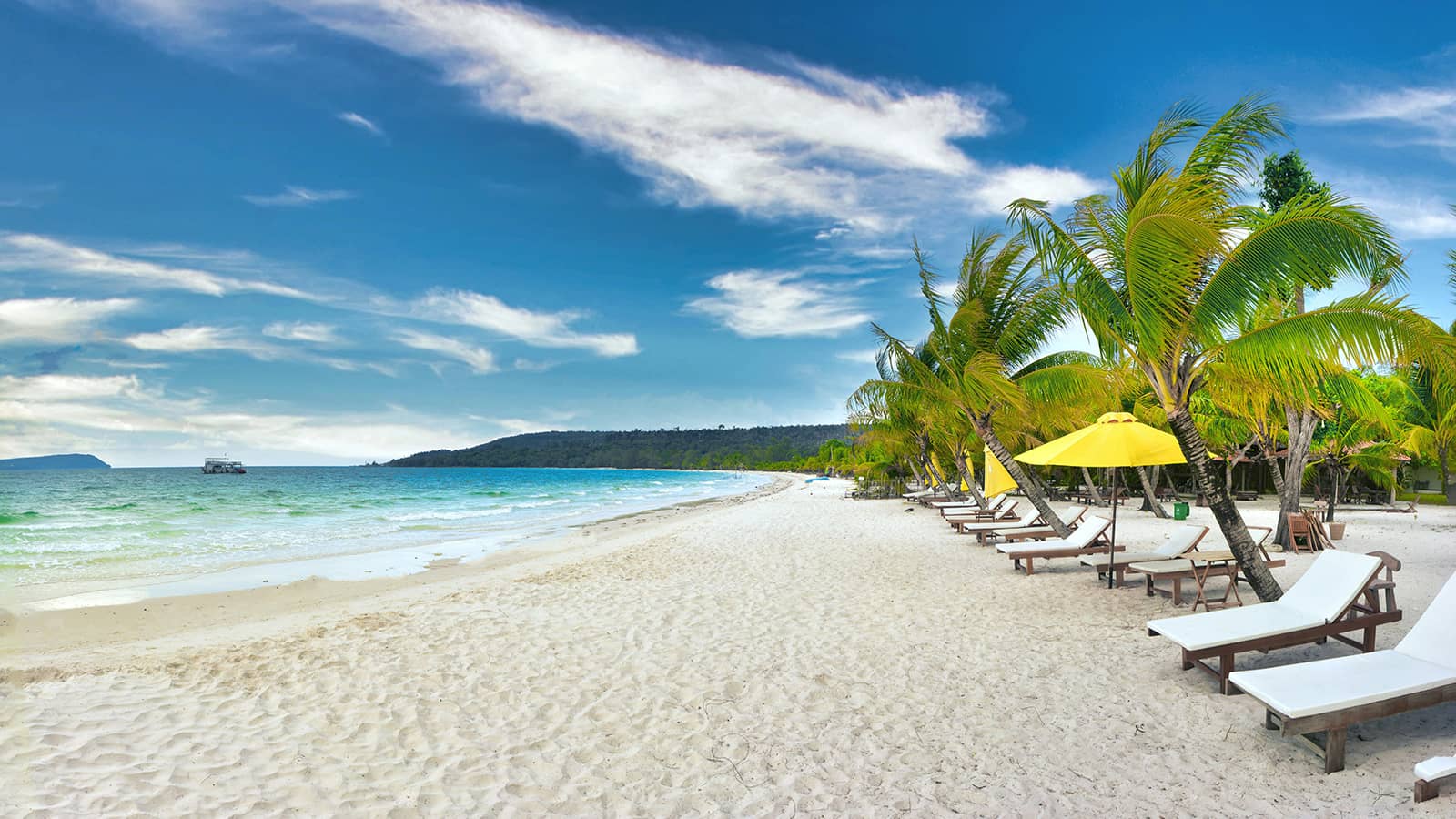
📷 Featured image by Omar Elsharawy on Unsplash.